

The Card You Hope You Never Need (Apple Find My)
Carbon Black
€31,16
Sale price
€31,16
Regular price
€51,95
Skip to product information


The Card You Hope You Never Need (Apple Find My)
Lifetime warranty
Covered for as long as you own it. Any manufacturing defect, repaired or replaced free.
TRACK ANYTHING THAT MATTERS
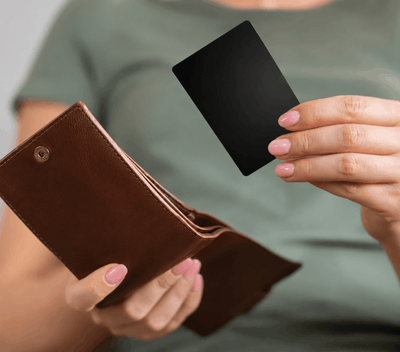
Wallet
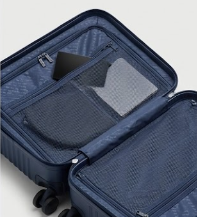
Luggage
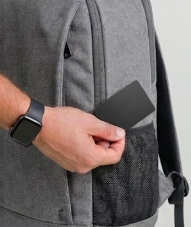
Backpack
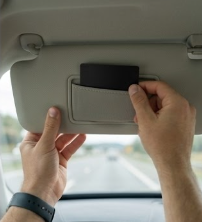
Car
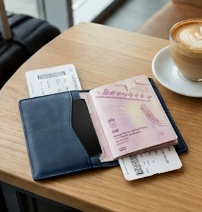
Passport
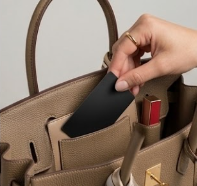
Bag
// STEP BY STEP
Connecting is simple.
Follow these six steps in the Apple Find My app. Each takes just a few seconds.
STEP 01
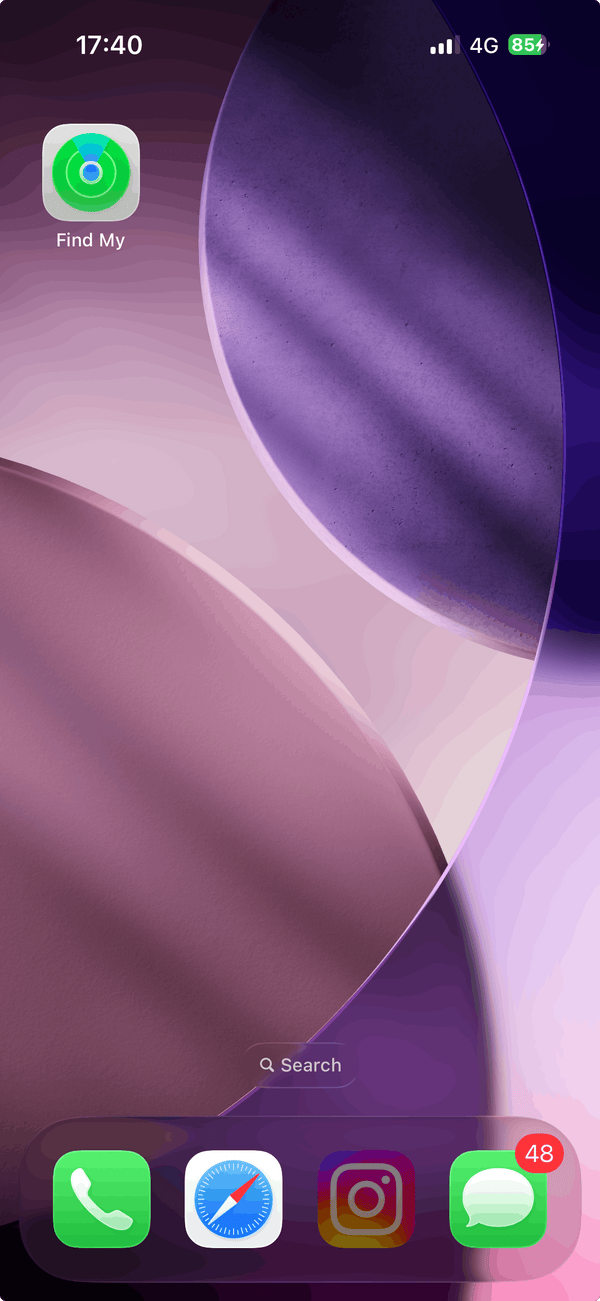
Open "Find My"
Unlock your iPhone and tap the green Find My app icon on your home screen.
STEP 02
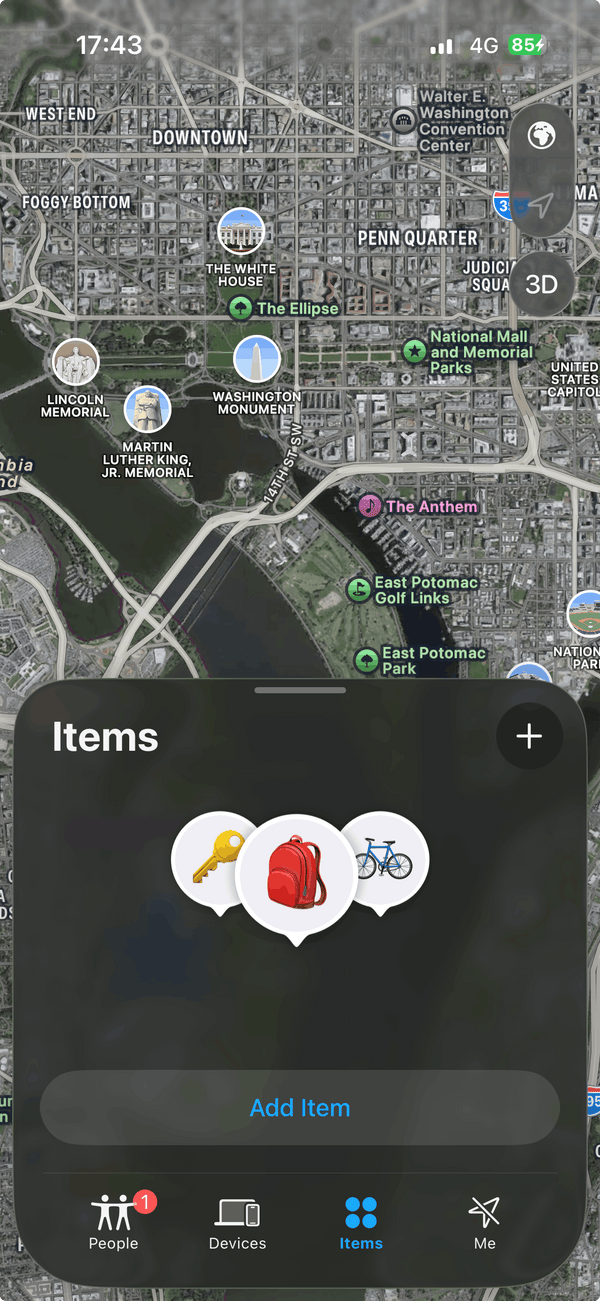
Tap "Add Item"
In Find My, tap the Items tab at the bottom, then the + button to add a new item.
STEP 03
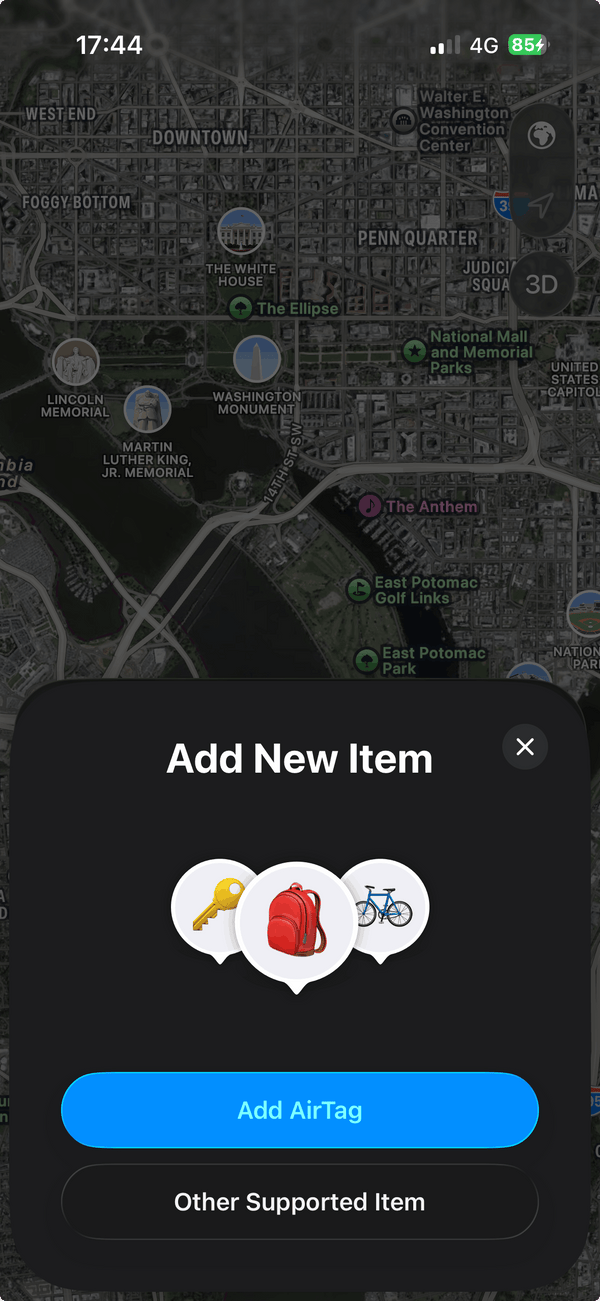
Choose "Other Supported Item"
Skip AirTag and tap Other Supported Item. Then press and hold the button on your card for 3 seconds.
STEP 04
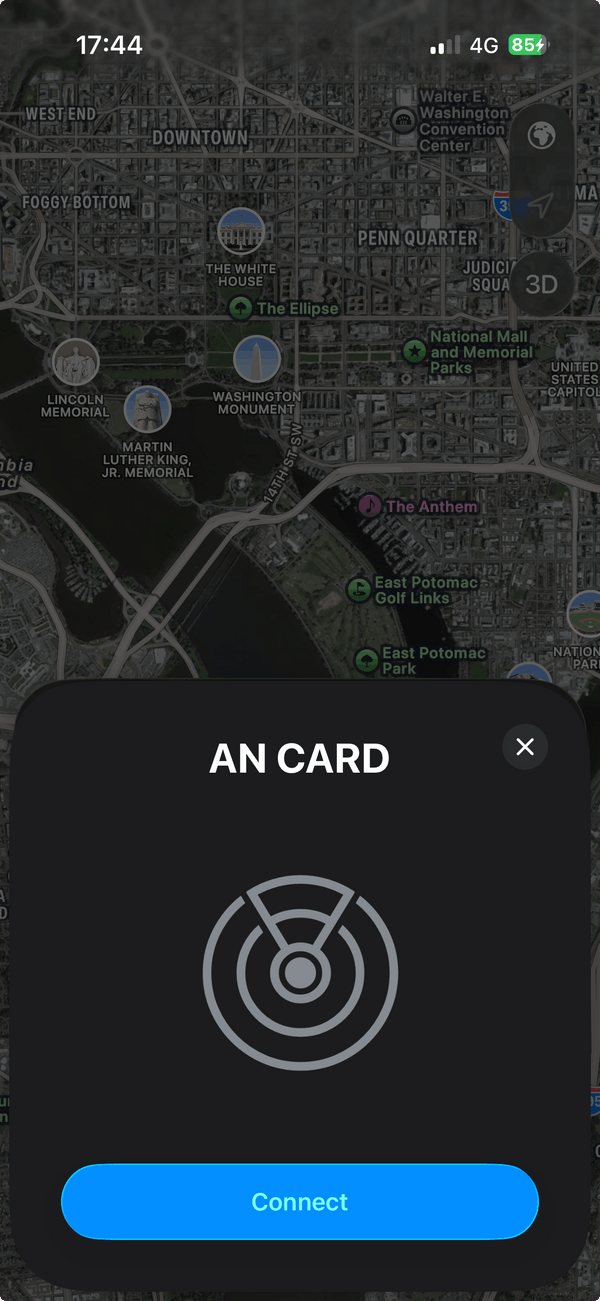
Connect the card
Your iPhone detects it within seconds. Tap Connect and give it a name (Wallet, Luggage, etc.).
STEP 05
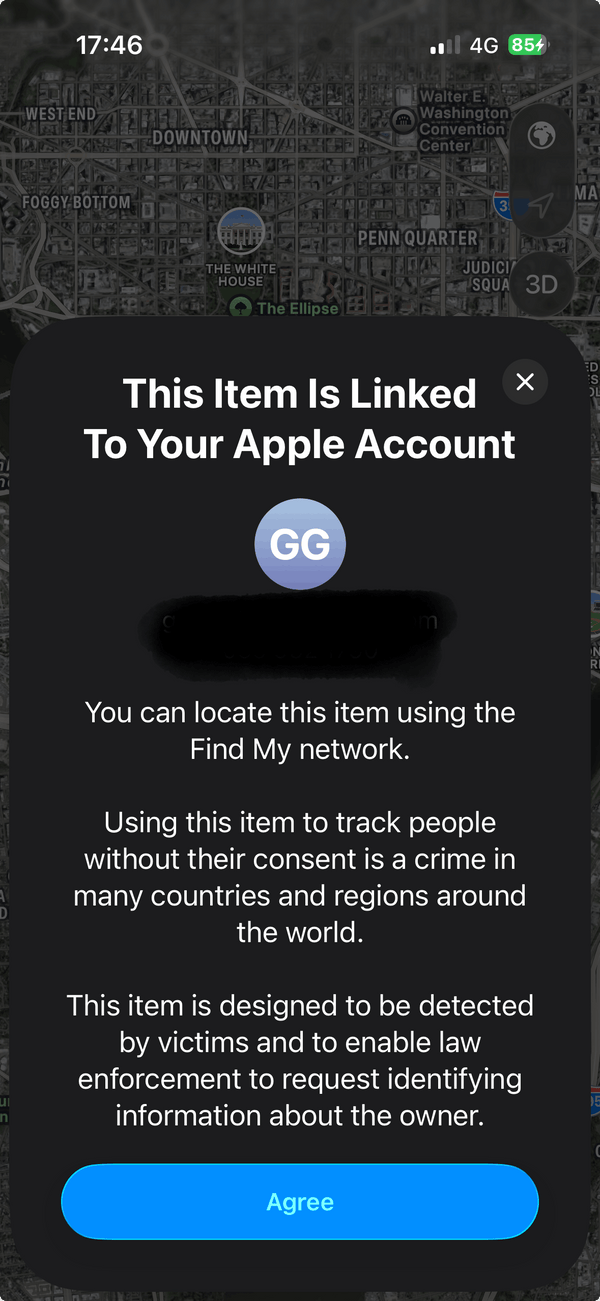
Link to your Apple ID
Confirm you own the item and agree to Apple's Find My terms. This securely ties it to your account.
STEP 06
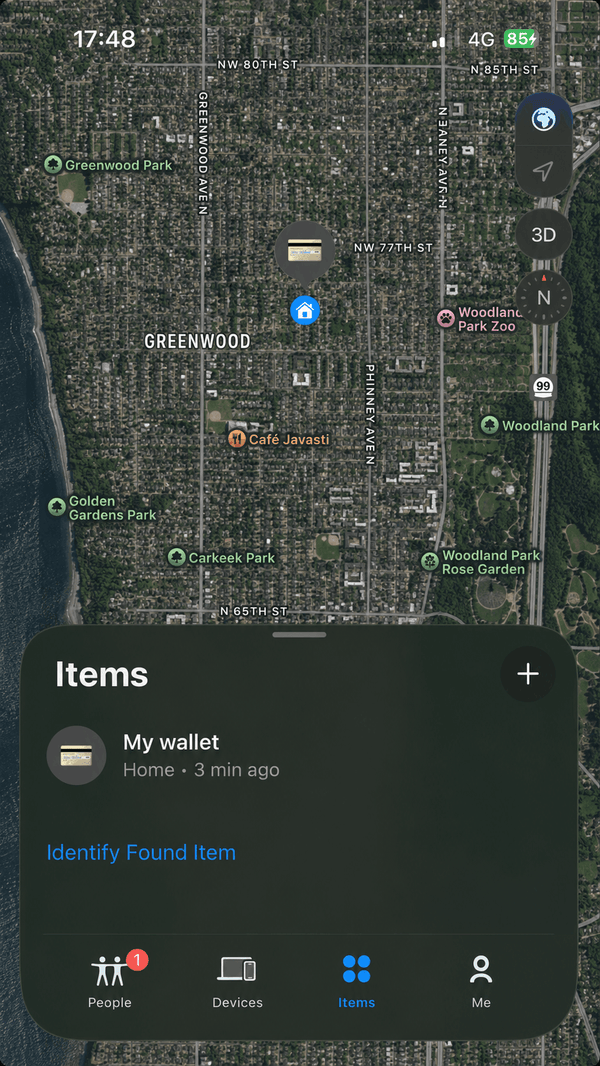
You're all set
It now shows up in Find My. Tap Play Sound to ring it, or Directions to see it on a map.
// WHY CARD LOCATOR
Small card. Big peace of mind.
See it on a map
Open Find My on your iPhone to check its last known location — no separate app to install.
Ring it when it's close
Play a sound to find it under cushions, in a drawer, or buried at the bottom of a bag.
Slim enough for any wallet
Credit-card shaped, so it slides in without the bulk or stretched leather of a bulkier tracker.
Recharge and reuse
A wireless top-up keeps it going for months — no disposable batteries to replace.
No monthly fees
One purchase covers it — there's no subscription riding along with your tracking.
// THE COMPARISON
Why Your Item Safe
← SWIPE TO COMPARE →
| Your Item Safe | AirTag | Cheap trackers | Ordinary wallet | |
|---|---|---|---|---|
| Waterproof | Fully | Not fully | No | — |
| Warranty | Lifetime | 1 Year | No | — |
| Fits flat in wallet | Yes | No | Some | — |
| Apple Find My compatible | Yes | Yes | Rare | No |
| Rechargeable | Yes | No | Some | — |
| No monthly fees | Free | Free | Often subscription | — |
| Sound alert | Yes | Yes | Some | No |
| Travel-friendly | TSA-friendly | Yes | Maybe | No |
| Discreet design | Card | Coin | Bulky | — |
| Wireless charging | Qi compatible | — | — | — |
// 18,200+ VERIFIED REVIEWS
A 4.9 from real travelers.
4.9
★★★★★
Jun 2026
Found my wallet in 30 seconds.
Dropped my wallet between the couch cushions. Opened Find My, played the sound, done. This card has already paid for itself.
★★★★★
Jun 2026
Perfect for travel.
Kept one in my checked bag on a trip to Lisbon. Watched it move across the airport in real time. Total peace of mind.
★★★★★
May 2026
Much better than an AirTag.
An AirTag in a slim wallet is a joke. The Trace card is genuinely flat — I forgot it was even in there.
★★★★★
May 2026
Setup took less than a minute.
Held it next to my iPhone, named it 'Wallet,' done. Easiest setup of any accessory I own.
★★★★★
Apr 2026
No subscription is the reason I bought it.
I refuse to pay monthly fees for hardware I already own. Trace works with Find My out of the box. Sold.
★★★★★
Apr 2026
One in every bag.
I have one in my work bag, one in my carry-on, and one in my partner's wallet (with permission). Quietly indispensable.
// FAQ
Questions, answered
Does the tracker come with a warranty?+
Yes. Every tracker is backed by our lifetime warranty. If your tracker is damaged or defective, simply contact us and we’ll replace it or issue a refund — no hassle, no compromise.
Does it work with Apple Find My?+
Yes. It pairs directly with Find My on iPhone, iPad, or Mac, using Apple's global network to help locate your card.
Do I need a subscription?+
No. It's a one-time purchase — no subscriptions, app paywalls, or recurring fees.
How thick is the card?+
About the thickness of two credit cards stacked together, so it fits comfortably in a standard card slot.
Can I use it in checked luggage?+
Yes — it's a popular spot for it. Drop it into your checked bag, backpack, or carry-on.
How do I charge it?+
Place it on any Qi-compatible wireless charger. A full charge takes around two hours and lasts months of typical use.
Can I make it ring when it's nearby?+
Yes. Open Find My, select your card, and tap Play Sound to locate it under cushions, in drawers, or inside luggage.
Does it work with Android?+
This version is built for iPhone and Apple's Find My network. Get in touch if you'd like to be notified about Android support.
Is the Card waterproof?+
Yes, our tracking card is waterproof. It is rated IP67, which means it remains fully functional after being submerged in up to 3 feet of water for 30 minutes—ensuring durability and reliability in various conditions.
Does the tracking card work with RFID-blocking wallets?+
Yes, our tracking card works perfectly with RFID-blocking wallets. It does not interfere with RFID protection, so your cards stay secure while you always know where your wallet is.
Can I track multiple items with the Tracking Card?+
Yes, it is not limited to just your wallet. You can use it to track various items such as luggages, bags, phones, passports, and more, providing comprehensive tracking solutions for your everyday essentials.
What if I received a defective product?+
If your order arrives damaged or faulty, please contact us immediately. It’s covered by our lifetime warranty, and we’ll replace it or issue a refund — no hassle, no compromise.